Worked example · 4 minute guide
How to overlay two PDFs
An overlay puts two documents on the same page. It is useful for adding a transparent template, marking a plan or comparing aligned drawings. Merging is different: it places pages one after another. This example adds a proposed quiet corner to a fictional reading room plan.
By SonuPDF · Updated October 28, 2026 · English
Open PDF Overlay →Step-by-step walkthrough
Screenshots show the SonuPDF website in Chrome. The final-step screenshot shows the completed example reopened in Get Info on PDF. The separate before/after images are rendered from the sample PDFs.
1.Open PDF Overlay
Open the tool and keep the base and overlay files separate. The base determines the output page size and page count. Download the two sample PDFs above to follow along.
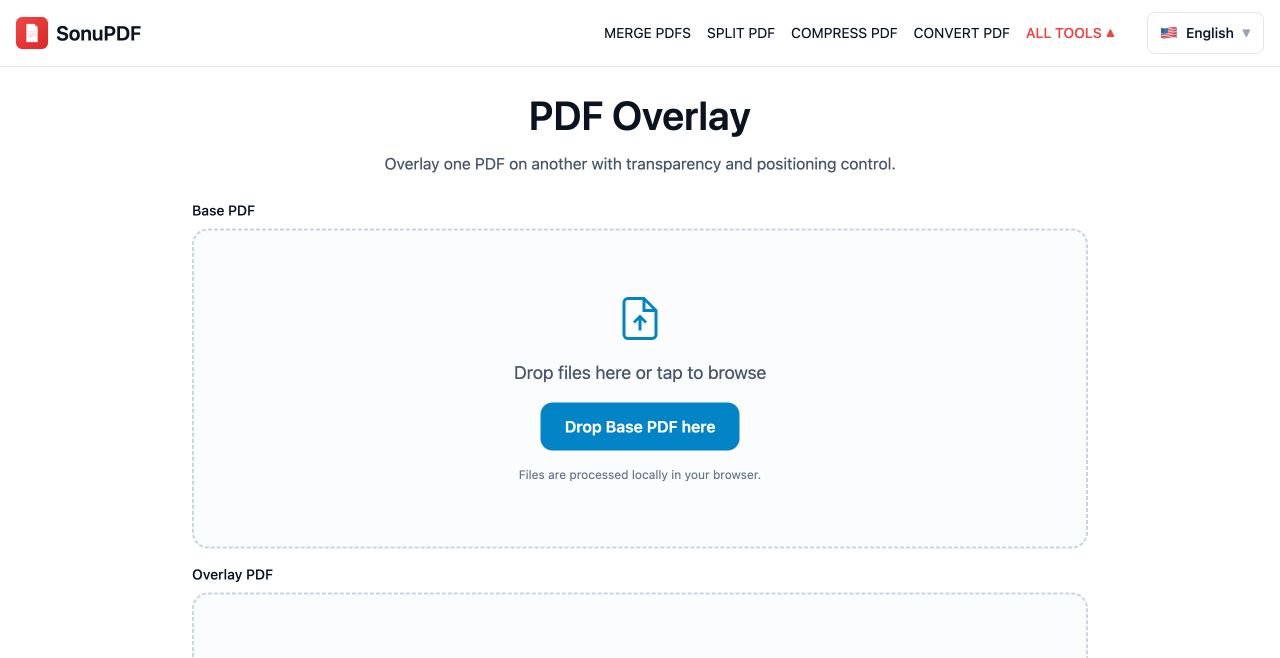
2.Select the two PDFs
Choose base.pdf in the Base PDF area, then overlay.pdf in the Overlay PDF area. Check the filenames. The Base and Overlay preview tabs show the originals separately, not the combined result.
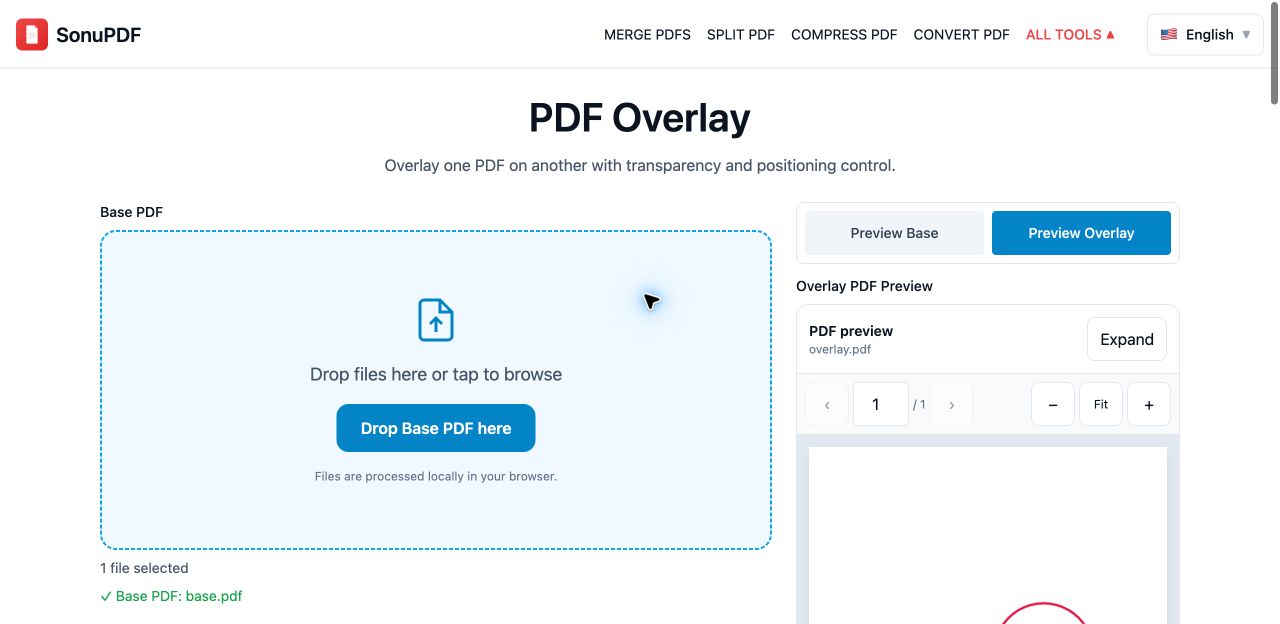
3.Set opacity, alignment and size
For this example, keep opacity at 50%, position at Center and Scale overlay to fit enabled. These sample pages have identical dimensions, so their drawing coordinates align. Use lower opacity if the overlay hides the base.
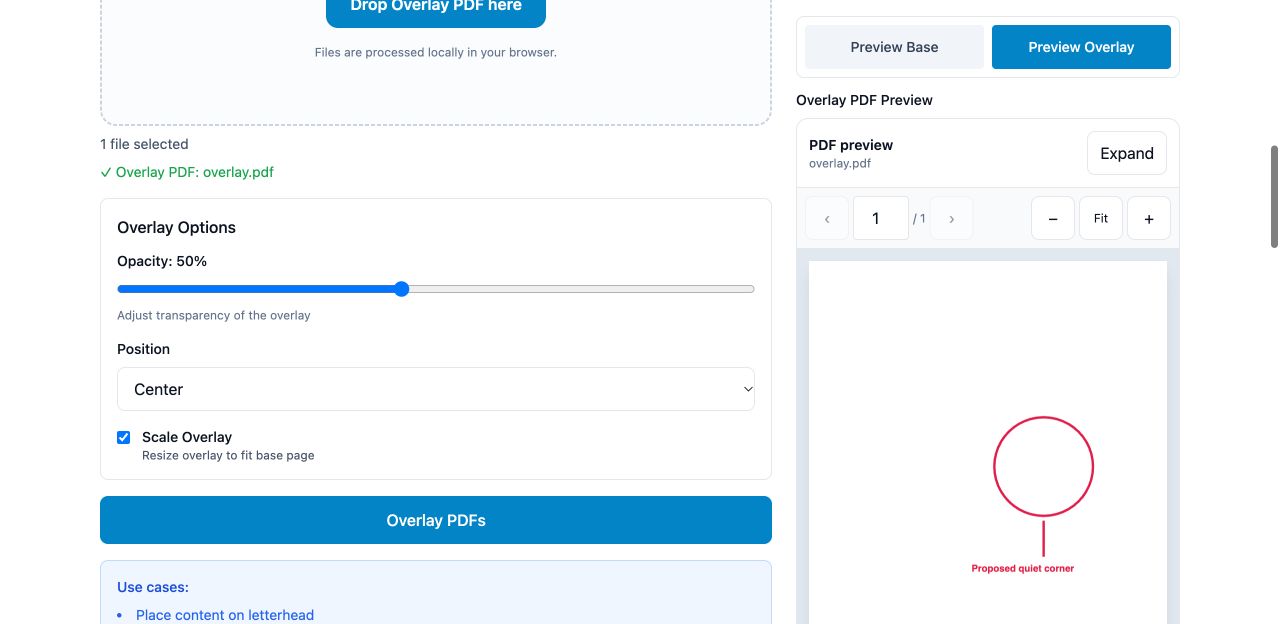
4.Download and inspect the combined PDF
Click Overlay PDFs. Open the downloaded file and check the red proposed quiet corner against the blue furniture layout. Compare it with the actual output below before processing an important document.
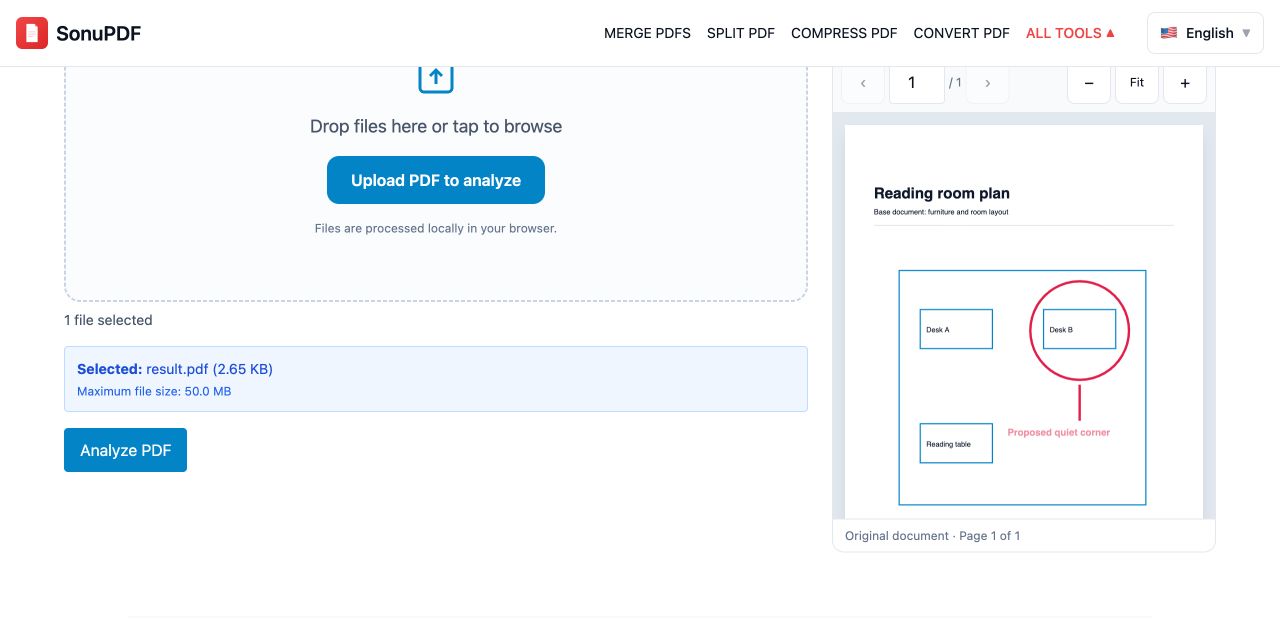
Before and after
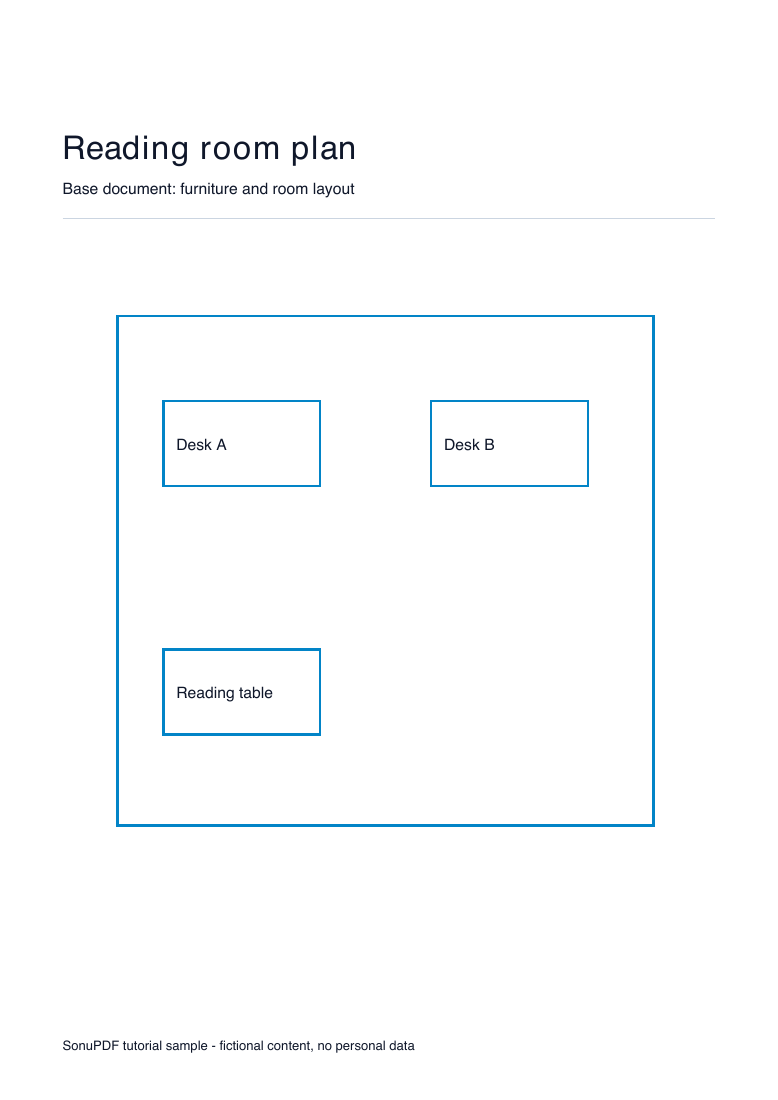
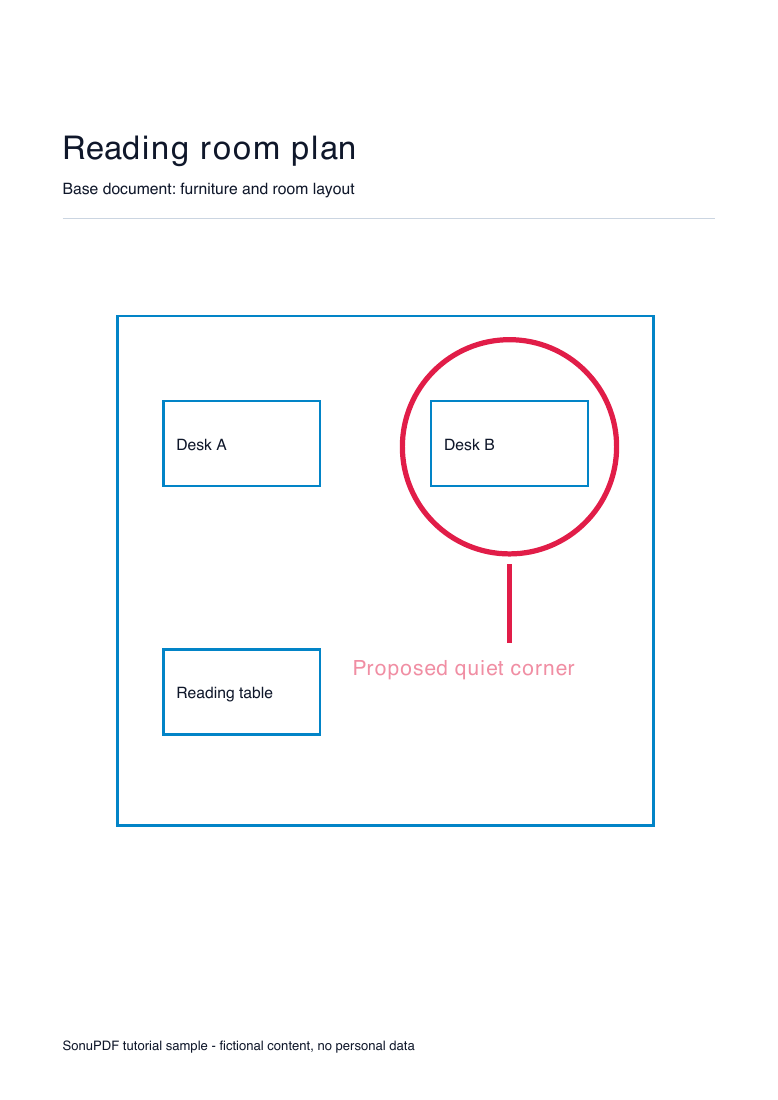
Compare the downloadable PDFs as well as these previews. Appearance and performance depend on your source document and device.
What to check before using the result
- The preview is not a live composite. Inspect the downloaded PDF to see the overlay applied.
- Opaque white backgrounds are part of a PDF page and can obscure the base. Lower opacity or use a PDF with an unpainted background; this tool does not automatically remove white.
- Overlay pages repeat in a cycle when there are fewer than base pages. Extra overlay pages beyond the base page count do not become new output pages.
- Center and corner alignment plus proportional scaling do not register drawings automatically. Cropped, rotated or differently sized source pages may need preparation first.
- An overlay is not redaction and does not make underlying information unrecoverable. Changes can invalidate digital signatures. Keep the originals.
Common questions
Can I put one letterhead on every page?
Yes. A one-page overlay repeats across all base pages. Check that its background, dimensions and opacity leave the document readable.
Does this upload my PDFs?
The overlay operation runs locally in the browser. The website still makes normal network requests for its pages, assets and analytics.